You’ve seen the tweets: a 14.5-inch touchscreen that bolts to your case like a radiator, runs Doom, and doubles as a mini Stream Deck. Sounds amazing—until you spot the $249 / £219 price tag. So, is the Corsair Xeneon Edge touchscreen monitor the missing piece in your battle-station, or just another CES flex you’ll regret at 3 AM? Let’s find out.
What Exactly Is the Xeneon Edge?
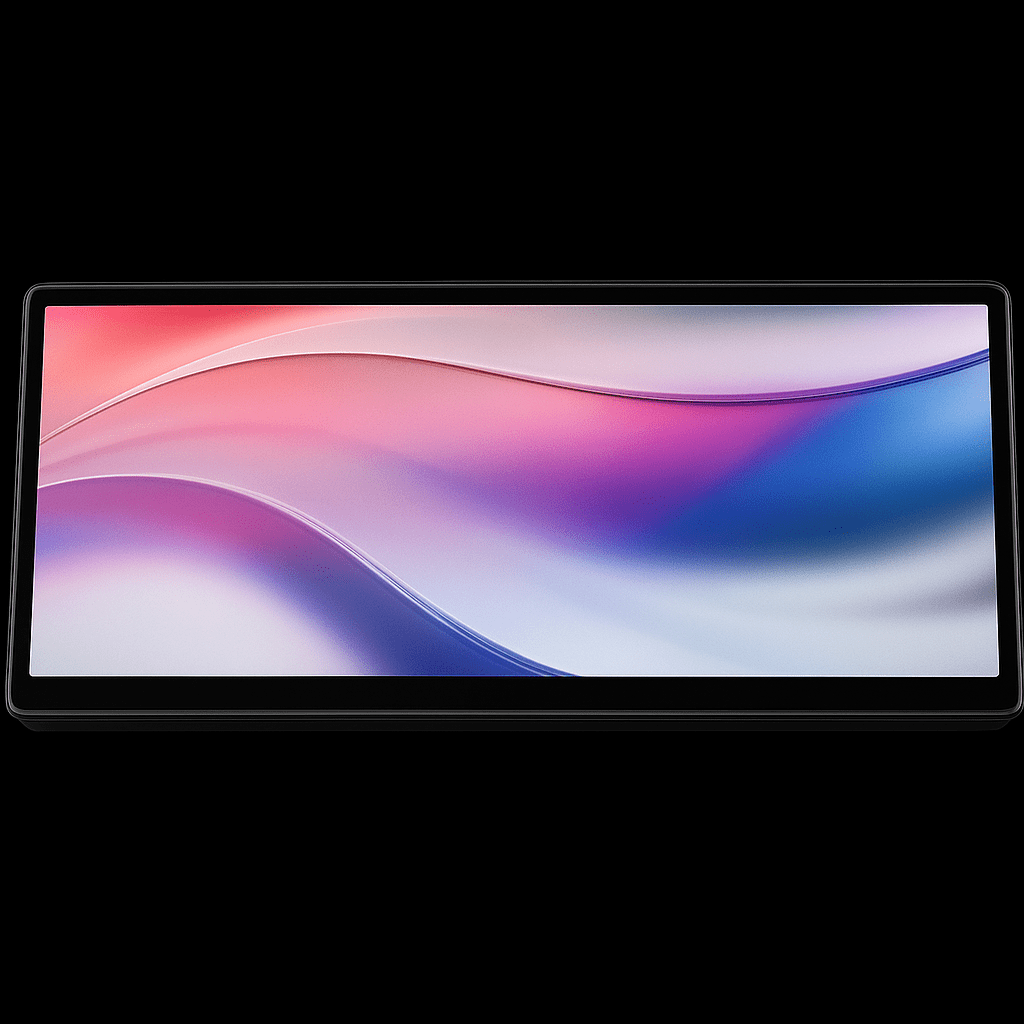
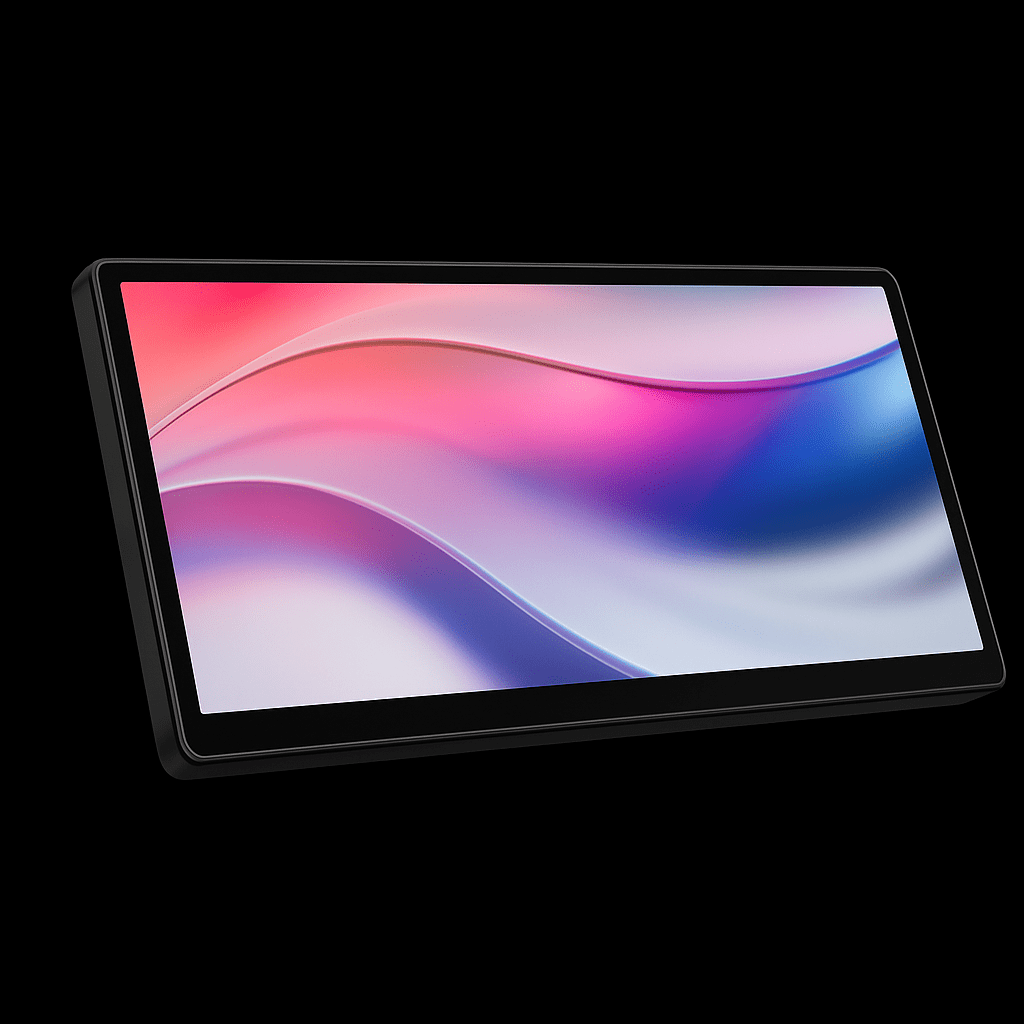
In plain English, the Edge is an ultra-wide 14.5-inch secondary display (2560 × 720, 60 Hz) with five-point capacitive touch, powered by Corsair’s iCUE software. Instead of forcing you to Alt-Tab mid-fight, it lets you park Discord, OBS, GPU temps, or even Spotify controls on a sleek panel that can live:
- Below your main monitor (via the included magnetic stand)
- Inside your case (mounts to any 360 mm radiator bracket)
- On any metal surface (14 discrete magnets)
- On a tripod or Elgato arm (¼-20 thread)
That’s four mounting options in one box—no 3D-printed bracket required.
Real-World Performance: Gaming, Streaming, and Beyond
Gaming & Emulation
The AHVA panel (IPS-equivalent) tops out at 60 Hz, so you won’t be clutching Valorant on it. But for retro titles—yes, it runs Doom—or monitoring a second instance of EVE Online, the latency is fine. Colors are punchy at 350 nits, though PC Gamer noted “strange tearing on Thunderbolt”
. Switching to USB-C DisplayPort Alt-Mode fixed it for us.
Streaming Workflow
Pair the Edge with Elgato’s Virtual Stream Deck and you get 15 haptic macro keys that never eat precious pixels on your main 1440p panel. We launched scenes, muted mics, and even triggered GIFs without leaving the game. The touchscreen is responsive enough to register rapid double-taps, but the glossy surface loves fingerprints—keep a microfiber cloth handy.
Productivity & System Monitoring
iCUE’s built-in widgets display CPU temp, RAM usage, or even animated GIFs. You can also drop in HTML snippets—perfect for a live crypto ticker or custom countdown timer. The grid-based layout feels restrictive; you can’t freely overlap widgets (yet). Still, having GPU temps visible through your tempered-glass side panel is undeniably cool.
Installation & Mounting: Five Minutes to Wow
- Desk mode: Snap the magnetic stand on; plug USB-C for video + touch. Done.
- Case mode: Remove three 120 mm fans; slide the Edge into the radiator rail; run the internal USB header cable. Total time: 6 screws.
- Vertical mode: Rotate the panel 90° in Windows display settings; magnets still hold, though a tripod arm looks cleaner on camera.
Corsair includes all cables—USB-C, HDMI-to-DisplayPort, and the internal USB header—so you’re not hunting for adapters.
Pros, Cons, and Deal-Breakers
| Pros | Cons |
|---|---|
| Four mounting options in one box | Included desk stand is wobbly |
| Bright 350-nit AHVA panel | No USB passthrough |
| Seamless iCUE + ElgUE integration | Widget grid limits creativity |
| Single-cable USB-C PD & video | $249 is steep for a 60 Hz panel |
Should You Buy the Corsair Xeneon Edge?
Buy if you:
- Stream or sim-race and need macro keys at eye level
- Own a glass-sided case and love showing off temps
- Hate Alt-Tabbing to control Spotify during ranked matches
Skip if you:
- Expect gaming-grade refresh rates or HDR
- Run Linux (iCUE widgets are Windows-only for now)
- Are on a tight budget—decent 24-inch 1080p monitors cost less
Frequently Asked Questions (FAQ)
Does the Xeneon Edge work without iCUE?
Yes. Windows will still see it as a regular touchscreen monitor, so you can drag windows onto it or use Windows’ built-in touch gestures. The fancy widgets (CPU temp, RGB sync, GIFs) and macro buttons only appear when iCUE is running.
Can you mount the Corsair Xeneon Edge vertically?
Absolutely. Just flip the panel 90°, tell Windows to rotate the display in Settings > System > Display, and the magnets—or any ¼-20 tripod arm—will hold it in portrait mode. Great for chat overlays or a long Spotify playlist.
Is the Corsair Xeneon Edge good for streaming?
If you already use OBS or Streamlabs, the Edge becomes a pocket-sized control deck. Drop in Stream Deck plug-ins via Elgato’s software and you’ve got touch buttons for scene switching, muting mics, or triggering sound effects—without covering your main screen.
To read more about Software/Hardware click here
To know more technical info look up here