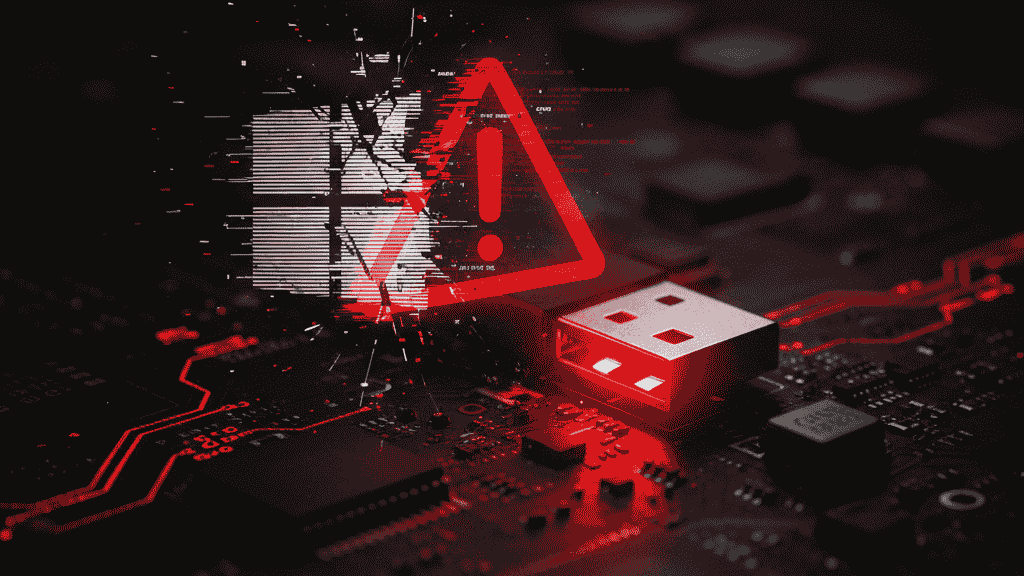
Microsoft has issued an emergency out-of-band update to fix serious problems caused by its latest Windows 11 patch. The previous update — KB5066835 — led to USB keyboards and mice failing in the Windows Recovery Environment (WinRE), preventing users from performing crucial recovery tasks.
The new emergency update, KB5070773, restores USB functionality and fixes the issue for Windows 11 users on versions 24H2 and 25H2.
What Went Wrong With the Windows 11 Update
After the October 2025 Patch Tuesday rollout, users discovered that their USB input devices stopped responding when booting into the Windows Recovery Environment (WinRE).
Although the problem didn’t affect normal desktop usage, it made recovery tools — such as Reset this PC, Startup Repair, and System Restore — practically unusable without a touchscreen or PS/2 keyboard.
In addition, some developers experienced networking errors with localhost (127.0.0.1) connections, affecting local web servers and development environments.
Microsoft’s Emergency Fix (KB5070773)
Microsoft quickly released KB5070773, an out-of-band update that restores normal USB device behavior inside WinRE.
The update brings systems to the following build versions:
- Windows 11 25H2 → Build 26200.6901
- Windows 11 24H2 → Build 26100.6901
The patch is being rolled out gradually, with a phased deployment strategy to ensure stability before reaching all users.
How to Install the KB5070773 Update
Follow these steps to install the emergency patch:
- Go to Settings → Windows Update
- Click “Check for updates”
- If KB5070773 appears, select Download and Install
- Restart your device to complete installation
If you can’t use USB input in WinRE right now:
- Try using a touchscreen device if available
- Connect a PS/2 keyboard or mouse, which aren’t affected by this bug
Why This Fix Matters
The Windows Recovery Environment is essential for repairing or resetting systems that won’t boot. Losing USB input there can make system recovery impossible for many users.
By issuing this emergency patch, Microsoft shows a strong commitment to maintaining system reliability and responding quickly to user reports.
Stay Updated on Windows 11 Issues
For official updates and known bug reports, check the Windows Release Health Dashboard on Microsoft’s website. It provides real-time information on fixes, updates, and rollout progress.

Frequently Asked Questions (FAQ)
1. What is KB5070773?
KB5070773 is an emergency Windows 11 update released by Microsoft to fix a critical issue that disabled USB keyboards and mice in the Windows Recovery Environment (WinRE).
2. Why did my keyboard and mouse stop working in Windows Recovery?
The issue came from a bug introduced in the KB5066835 update. It caused WinRE to fail to recognize USB devices, even though they worked normally within Windows.
3. How do I fix the Windows 11 WinRE USB issue?
Install KB5070773 via Windows Update. This patch restores full USB functionality in the Recovery Environment.
4. Is the KB5070773 update safe?
Yes. It’s an official Microsoft out-of-band update that specifically targets and resolves the WinRE USB bug. It’s safe to install and recommended for all affected systems.
5. What if I don’t see the update yet?
Microsoft is releasing the patch in phases, so it might take a few days before it appears on your device. You can also download it manually from the Microsoft Update Catalog.
6. Does this update fix any other issues?
Yes, besides the USB input problem, Microsoft also addressed some localhost (127.0.0.1) networking issues affecting developers using local servers.
7. What are the new Windows 11 build numbers after the fix?
- Version 25H2 → Build 26200.6901
- Version 24H2 → Build 26100.6901
8. How can I prevent similar issues in the future?
Keep automatic updates enabled, regularly create system restore points, and avoid interrupting Windows updates during installation.
Final Thoughts
The KB5070773 emergency patch is a critical fix for one of the most disruptive Windows 11 bugs of 2025. If you’re running Windows 11 version 24H2 or 25H2, make sure to install this update immediately to restore full functionality in your Recovery Environment and maintain system reliability.
To read more news about technology click here